

01
Your family organiser, powered by AI
Send a text or screenshot.
Lumi organizes the rest.
School messages, activities, dates and reminders land in the right place — without you having to sort them.
R99/month · 14 days free · no card needed
Lumi
Speak to Lumi. She'll sort it out.
No typing required. Just speak naturally — Lumi turns your words into actions, reminders, calendar events and notes.
You say
Lumi understood
Reminder: Bring cupcakes · Friday
Try it right now
Experience the magic instantly.
Give Lumi something from your real life — a WhatsApp screenshot, school notice, message or voice note — and see what happens.
Try each one once — with something from your real life.
Nothing here is saved. This is just for you to see.
Lumi understood
Organize it →

A note from our founder
I built Lumi360 because I was living the chaos too.
Three daughters. School messages. WhatsApp groups. Activities. Phone reminders. Birthdays. Uniforms. Cupcake days. Sport. Extra murals. Family plans. Life. The list goes on.
And the problem wasn't just remembering everything.
It was doing something with all that information.
A message would come through on WhatsApp, and I would have to read it, find the date, check whether anything had changed, put it into Google Calendar, write it on my desktop calendar, add it to the wall calendar or fridge — and then somehow make sure my husband, my dad, or whoever else was helping with the kids knew about it too.
One piece of information could end up being written down three or four different ways, in three or four different places, just so everyone knew where they needed to be.
And I remember thinking:
Surely keeping a family organised shouldn't feel like a full-time job.
So I built Lumi360.
I wanted somewhere I could simply give the information to Lumi — whether it came from a WhatsApp message, a school notice, a screenshot, a voice note or something I was told — and have it understand what mattered, organise it and help keep everyone on the same page.
What started as something I desperately needed for my own family became something I realised could help other families too.
Lumi360 was born from the chaos of real family life — because I was living it myself.
— Founder of Lumi360
✓ Developed by Parents for Parents
🇿🇦 100% South African SaaS
Secure PayFast Gateway
The difference
This is Lumi at work.
Give Lumi the information. She works out who it belongs to, what matters, and what needs to happen.
1Information comes in
2Lumi understands it
3Family life updates
Information comes in
WhatsApp screenshotSchool newsletterInvitationActivityYour own words
1 / 6
Lumi understands it
Lumi is reading and understanding…
Lumi identified
Updated inside Lumi360
Mia's CalendarHockey Wed 15:00 · 3 assessments
Noah's CalendarBen's party — Sat 10:00
Sophie's CalendarArt workshop — Sat 09:30
Family CalendarMrs Smith's birthday — Friday
To-doRSVP · confirm attendance
ReminderCollect Mia 16:30 · cupcakes Friday
Lumi. Life. Sorted.
The Lumi360 system
Six parts of family life, working as one.
Lumi helps your family stay organised.
02
Calendar
03
School
04
Lumi
05
Meals & Shopping
06
Logistics
Lumi pricing
Lumi keeps the heartbeat of family life moving.
One plan, one price, for the whole family.
One planGet started
Lumi360 Family
One app, one solution — everything Lumi does, for the whole family.
Up to 10 family members
R99/ per month
Everything in Lumi
- Family profiles
- Children
- Family calendar
- School & school documents
- Meals & meal planning
- Shopping & household inventory
- Family logistics
- Reminders
- To-dos
- Speak to Lumi
- Lumi text chat
- Screenshot & photo understanding
- PDF & newsletter understanding
- Family memory
- Daily briefing
- Multi-login access to one family workspace
- English & Afrikaans
Everyone who uses your family space counts as a person.
For example: Mom + Dad + 3 children = 5 people.
One parent registers, pays and installs Lumi360. Everyone else joins by invitation into that same family space — so only one payment per family, never one per person.
Need more than 10 people? Let's talk.hello@lumi360.io
On your phone
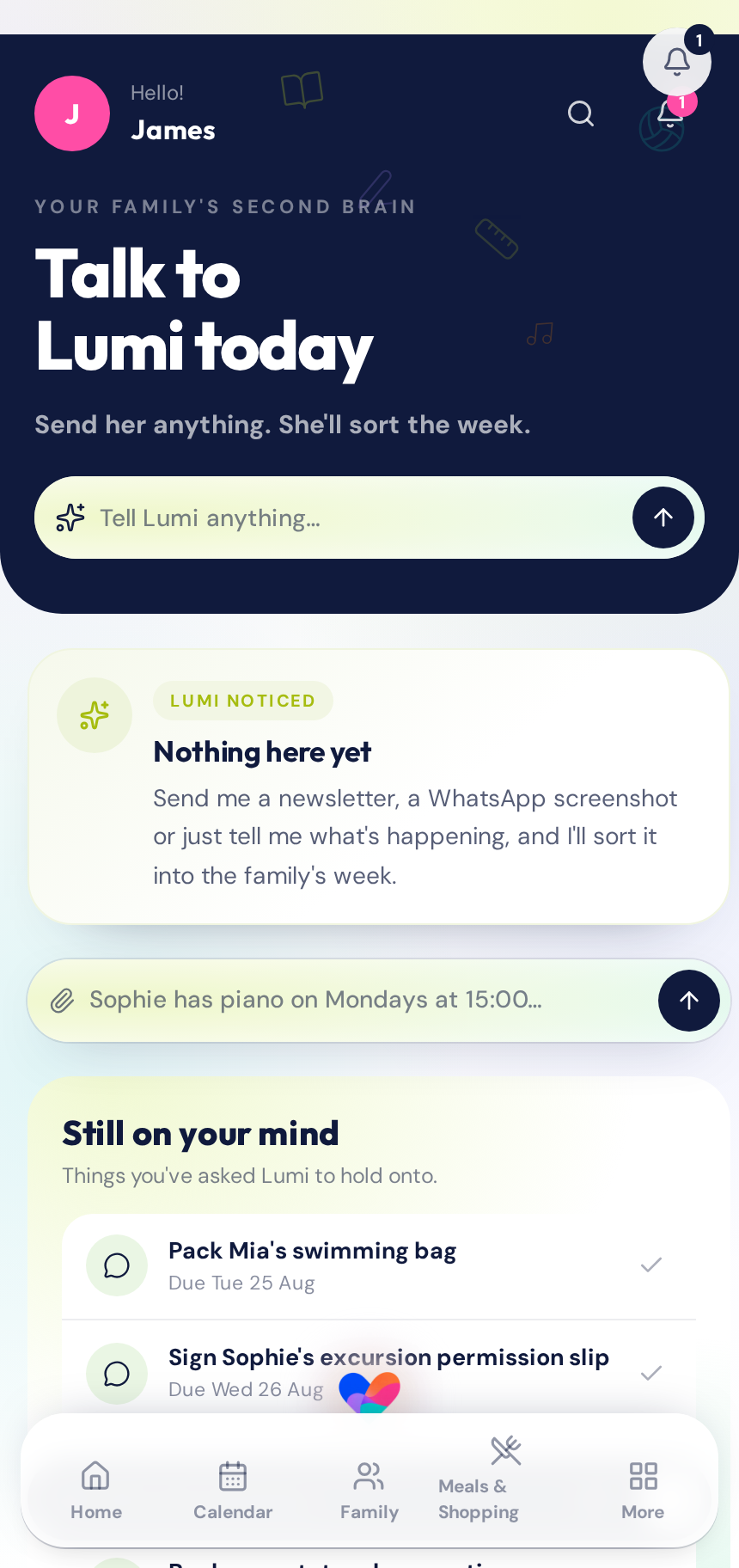
Get Lumi360 on your phone here.
New here? Start with your account. Once you're signed in, Lumi360 guides you through adding the app to your phone.
Lumi360 is a web app. It isn't in the App Store or Google Play.
Already have Lumi360? Sign in & Install
FAQ
Questions you might have.
Lumi360 is your family's second brain. She brings the information, plans, reminders and everyday details of family life into one connected family space — so you don't have to keep everything in your head.
Your family doesn't need more admin.
It needs a system that helps carry it.
Everything connected. Nothing fragmented.
Get startedNew here? Start with your account. Once you're signed in, Lumi360 guides you through adding the app to your phone.